Instagram carousel maker for business owners
On-brand Instagram carousels — made in the minutes you actually have.
Paste the caption you already wrote, choose the layout, export the set. Your brand, every single slide — without opening Canva, hiring a designer, or losing an hour you don't have.
Carousel Queen is built for the business owner doing the marketing as well as the work. No design skills. No blank canvas. No 45-minute slide fiddling.
Not for agencies or content teams — no seats, no collaboration. Just you, your idea, and a carousel ready to post before your next task takes over.
- BM
- AJ
- BS
- Z
- A
- +45
Free for 7 days, then $7/month for Basic or $17/month for Pro unless you cancel first.
7-day money-back guarantee.
Payments are processed by Stripe with Apple Pay support — card details never touch our servers. Cancel in one click from your settings. 7-day money-back guarantee.
Slide 1
You're not bad at content. Your process is.

Slide 2
45 minutes in Canva for one carousel you'll post once.

Slide 3
Paste it. Post it. Same words, four minutes.
1080×1350, your colors and fonts, exported as a zip.
Why business owners stay
Simple enough to fit into a busy day
5.0 average rating
From members using it every week
50+
Solopreneurs & small businesses
- BM
- AJ
- BS
- Z
- A
- +45
Paste to posted in ~4 minutes
Three steps, no blank canvas, no design skills.
Secure checkout by Stripe
Apple Pay & all major cards. Cancel anytime. 7-day money-back guarantee.
Live counter
00:00
That's how long you've been on this page. The average Carousel Queen carousel — pasted, styled and exported — takes about 4 minutes. Same post in Canva: most people say 45+ minutes.
See it work
See it in action
A quick tour of the editor, templates and export sizes — everything you get inside Carousel Queen.
60-second demo
Watch it turn a caption into a carousel
A look inside
On your phone, in your pocket
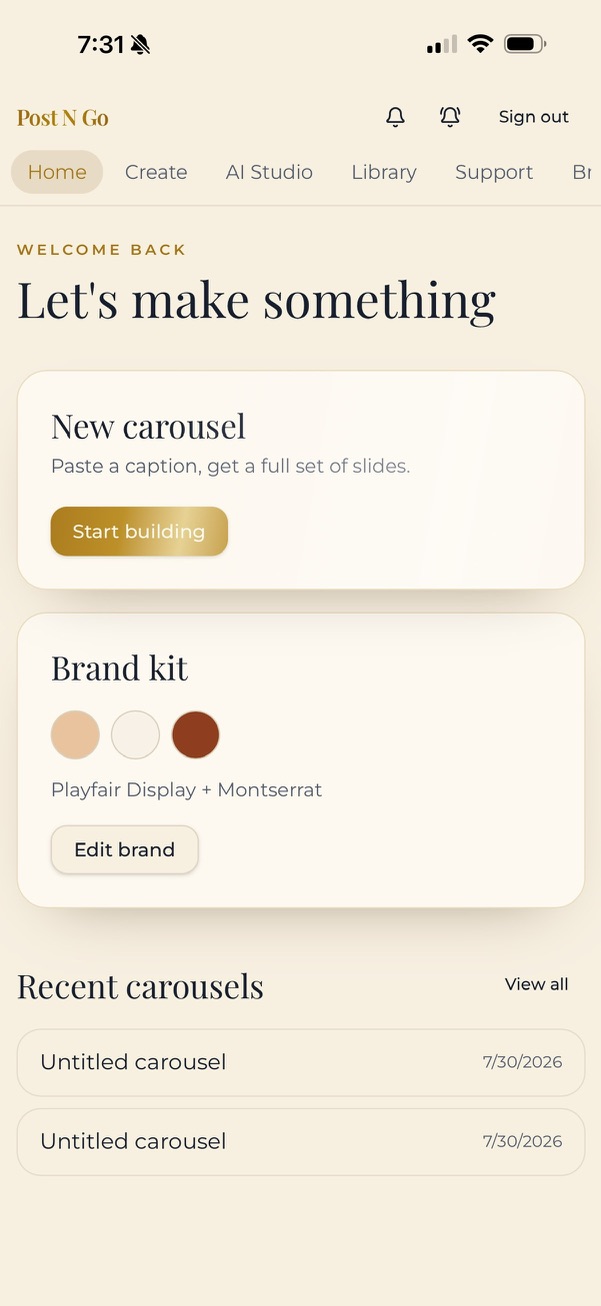
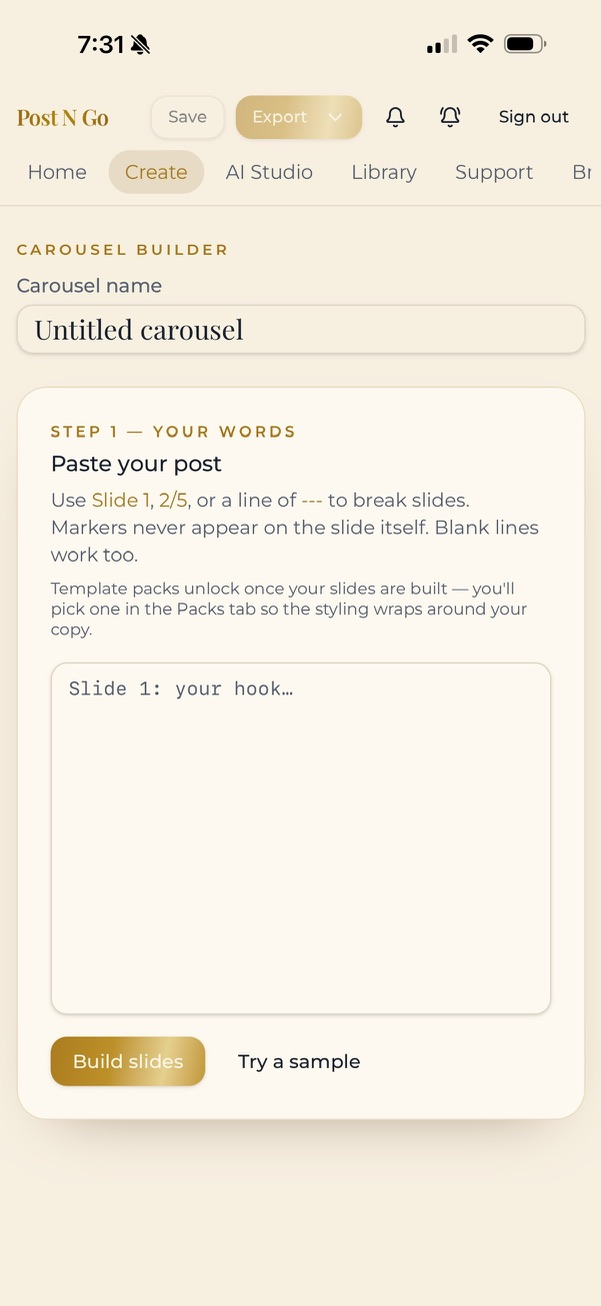
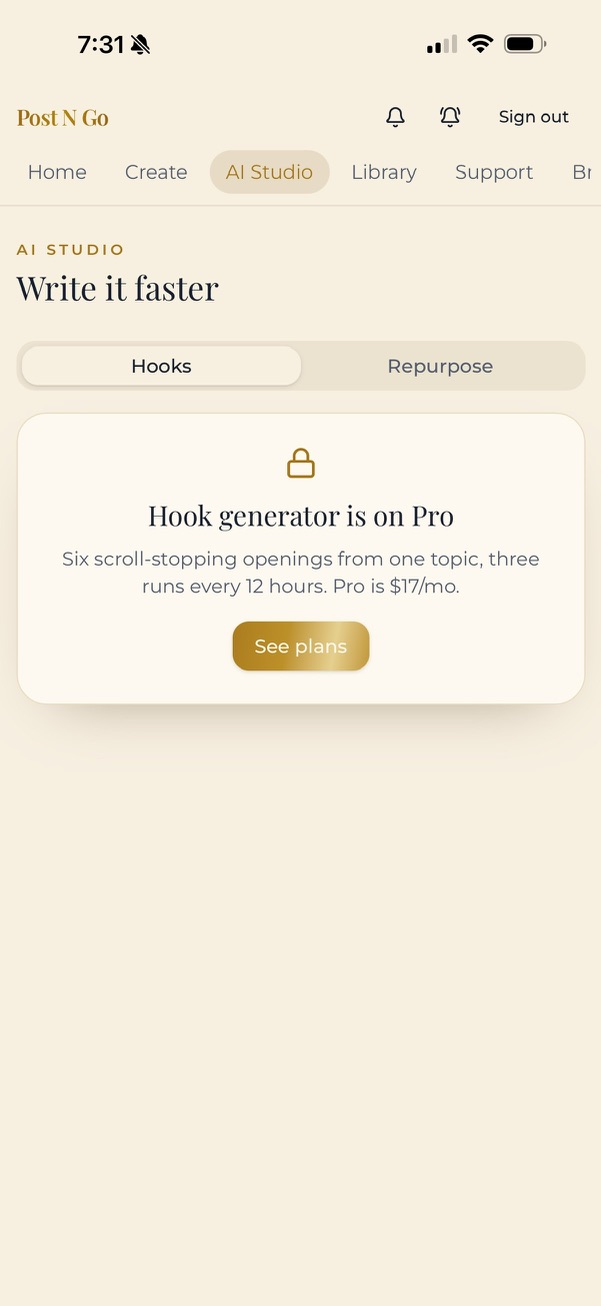
Carousel Queen installs to your home screen and works the way you actually post — thumb-first, whenever inspiration strikes.
Swipe to see the app
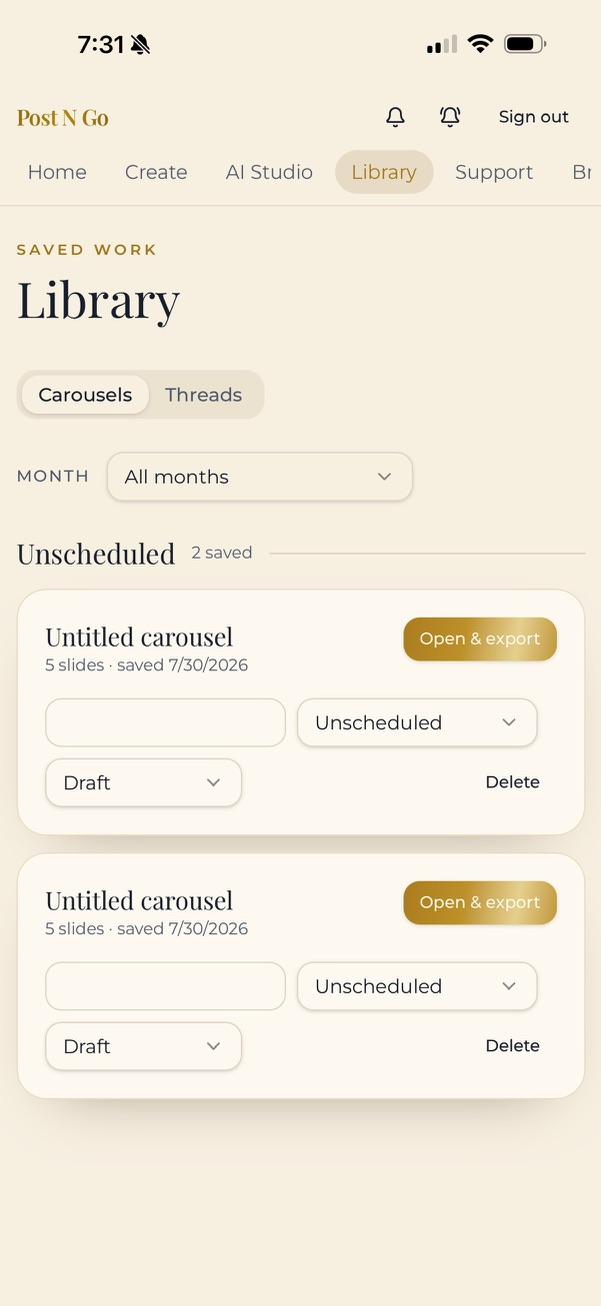
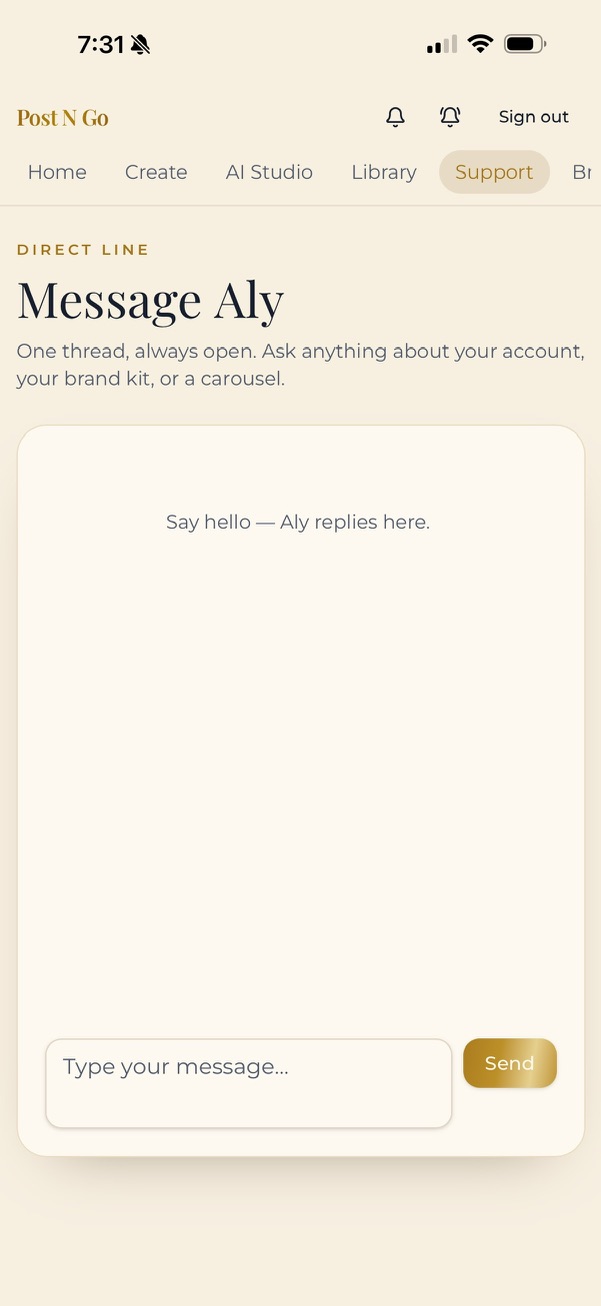
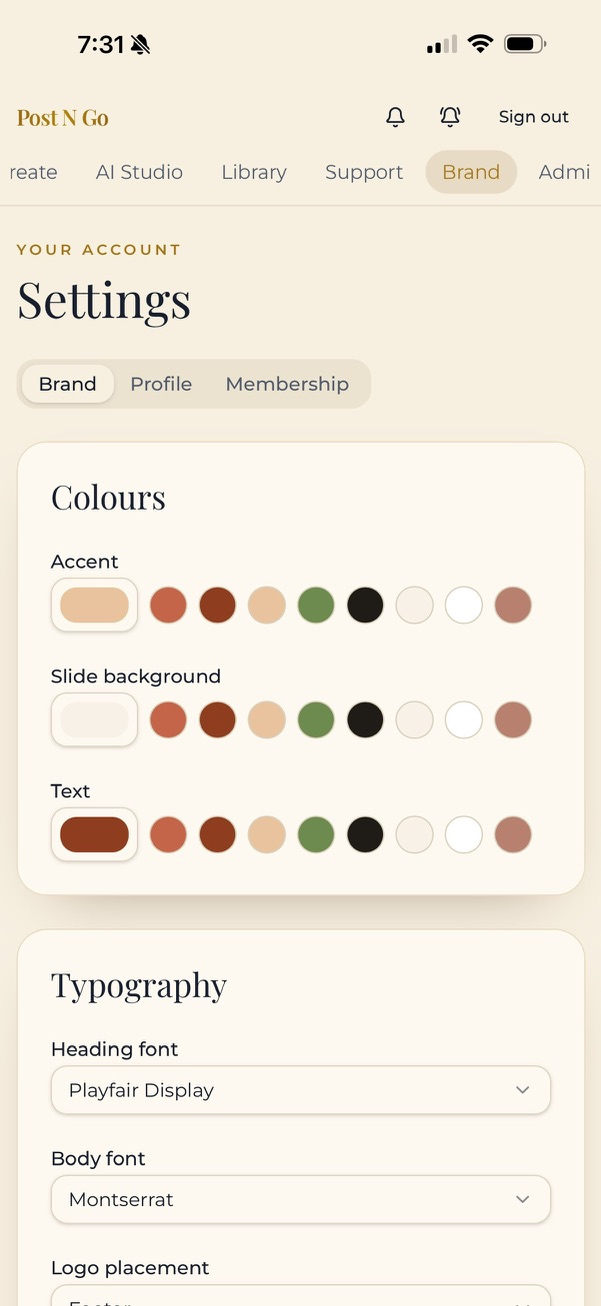
Newest in the app
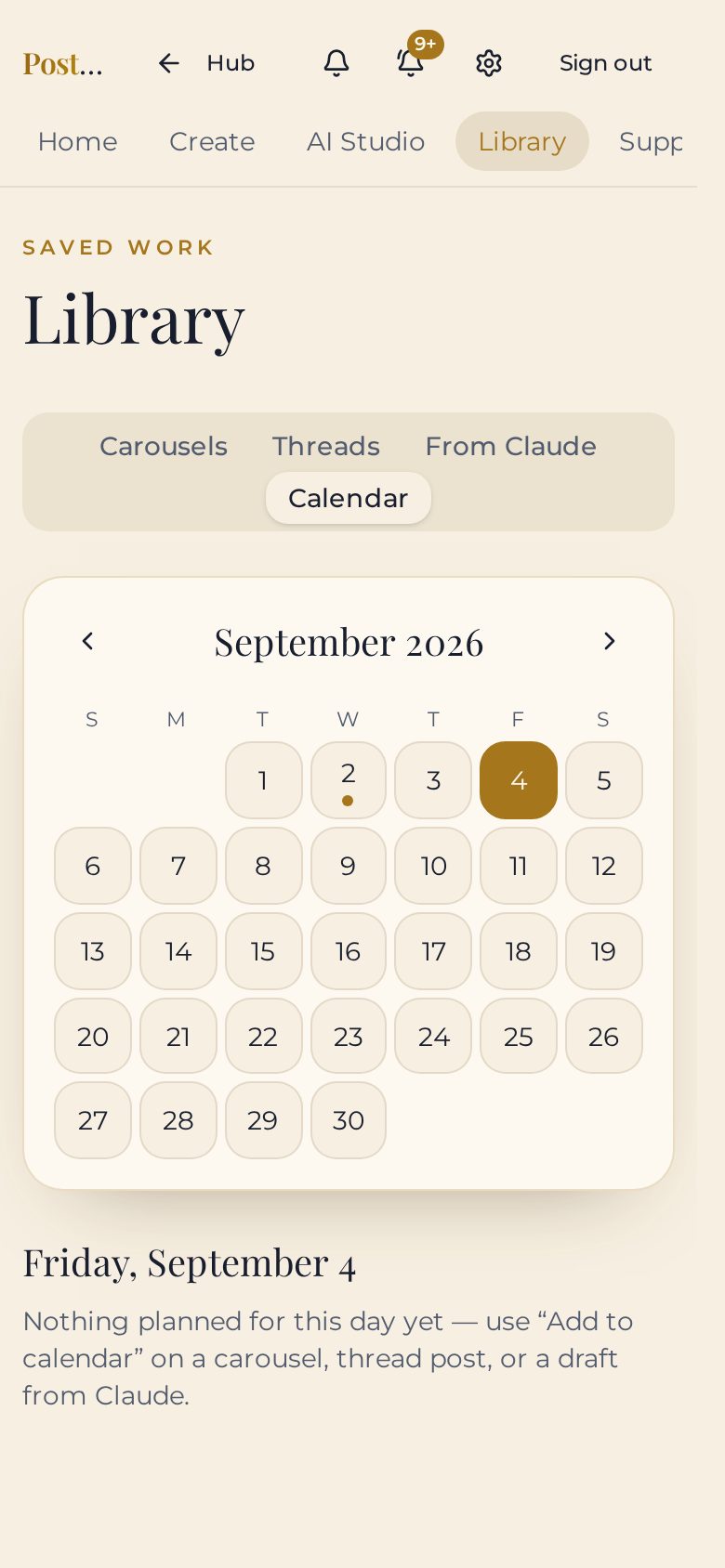
The Pro side of Carousel Queen
Plan carousels, Threads posts and Reel covers with their captions on one calendar, spin one idea into three posts, and publish straight from the app.
Three steps
Paste. Style. Post.
The whole workflow is built around the way a busy mom actually works: in short windows, with no time for back-and-forth.
Paste your post
Write it in Notes whenever the idea hits. Drop it in. Slide 1, 1/6, dashes — we read every break marker and strip it out.
Pick your look
Hook, big statement, numbered tip, poster, polaroid, editorial band — every layout already matches your brand.
Post or schedule
Publish straight to your own accounts, or download the set and save it for later. No second app, no camera-roll shuffle.
Inside the app
How it makes your life easier
Your brand, set once — then it runs itself
Brand kit onboarding
Colors, font pairing, logo and photos — captured in a few cards the first time you sign in. After that, every slide is on-brand without you thinking about it.
Multiple brand kits
Run more than one offer or side business. Build a kit for each, set a default, switch in a tap while the baby naps.
Saved style presets
Bottle a look you love and reapply it to any carousel in one tap — no rebuilding from scratch.
Template packs
Premium packs — editorial, bold statement, soft luxe, visual brand and more — offered after your words are in.
Profile & membership
Your brand, your details and your plan in one place, with password control built in.
The editor — no design decisions to make
Smart slide parsing
Slide 1, 1/6, dashes and line breaks all read as breaks — and never print on the slide. Paste messy, get clean.
Highlight styling
Wrap words in == == for accent color, underline or a solid block. Emphasis done in seconds.
New layouts
Poster, polaroid, pin, reel cover and editorial band — with a header band option for a magazine feel.
Reel covers & captions
Turn a single Story-size slide into a Reel cover, name it, and save its caption separately so the words never appear on the design.
Photo & spliced layouts
Full-bleed image slides, half-photo splices, or a photo on slide one with color behind the rest.
Your handle, locked
Your Instagram handle sits bottom-left on every layout and never wraps.
Editable CTA text
Rewrite the save-for-later button and eyebrow text to say whatever you want.
Toggle the details
Quote marks and slide numbers switch on or off per carousel.
Screenshots, your way
Upload screenshots, drag to reorder which slide they land on, then tune zoom, opacity and framing.
Apply to all
Change a layout, font size, color or photo setting once and push it across every slide.
True-to-screen color
Exports carry your exact brand color — what you pick is what downloads.
Publish & schedule — no phone-juggling
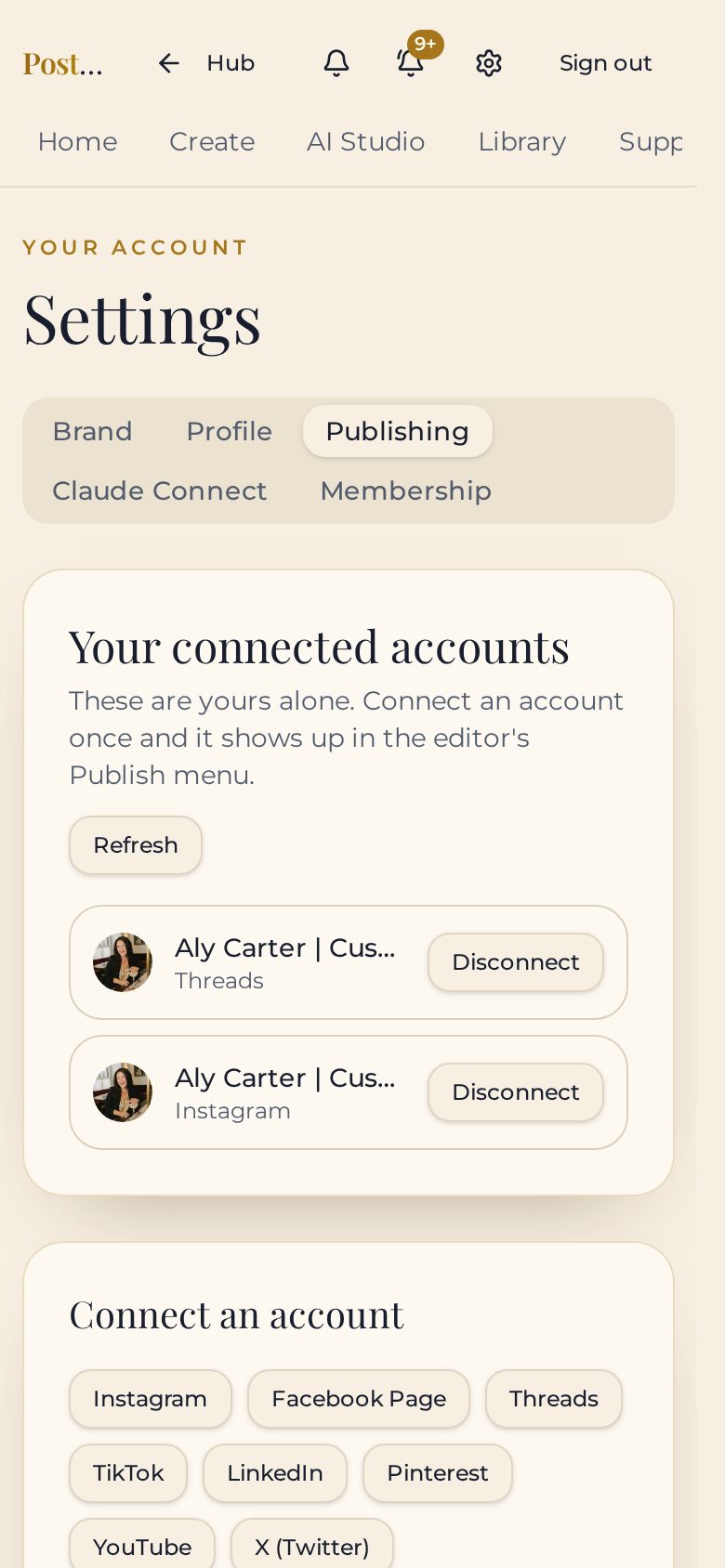
Connect your own accounts
Instagram, Facebook, Threads, TikTok, LinkedIn, Pinterest, X and YouTube — your logins, your pages.
Publish from the editor
Hit publish on a finished carousel and it goes out. No downloading, no re-uploading, no copy-paste between five apps.
Schedule it instead
Pick a date and time and let it post without you. Set it during naptime, it goes live during dinner.
Multi-part threads
Publish threads from your library, adding post after post, with the 500-character limit checked for you.
Included on both plans
Publishing comes with Basic and Pro at no additional cost.
Export & planning — see the whole month
Every size you post
Instagram square, portrait and story, plus Facebook and Pinterest — pick as many as you need.
Phone or desktop
Save straight to your camera roll on mobile, or download the whole set as a zip on desktop.
Saved exactly as built
Reopen a carousel and it loads slide for slide, with the same look and export sizes ready to go.
Monthly library & planner
Carousels grouped by month with a post date, status and a scheduled post time. One screen, no spreadsheet.
Reels on the calendar
Keep each Reel cover and its copy-ready caption together, then place it on your calendar beside your carousels and Threads posts.
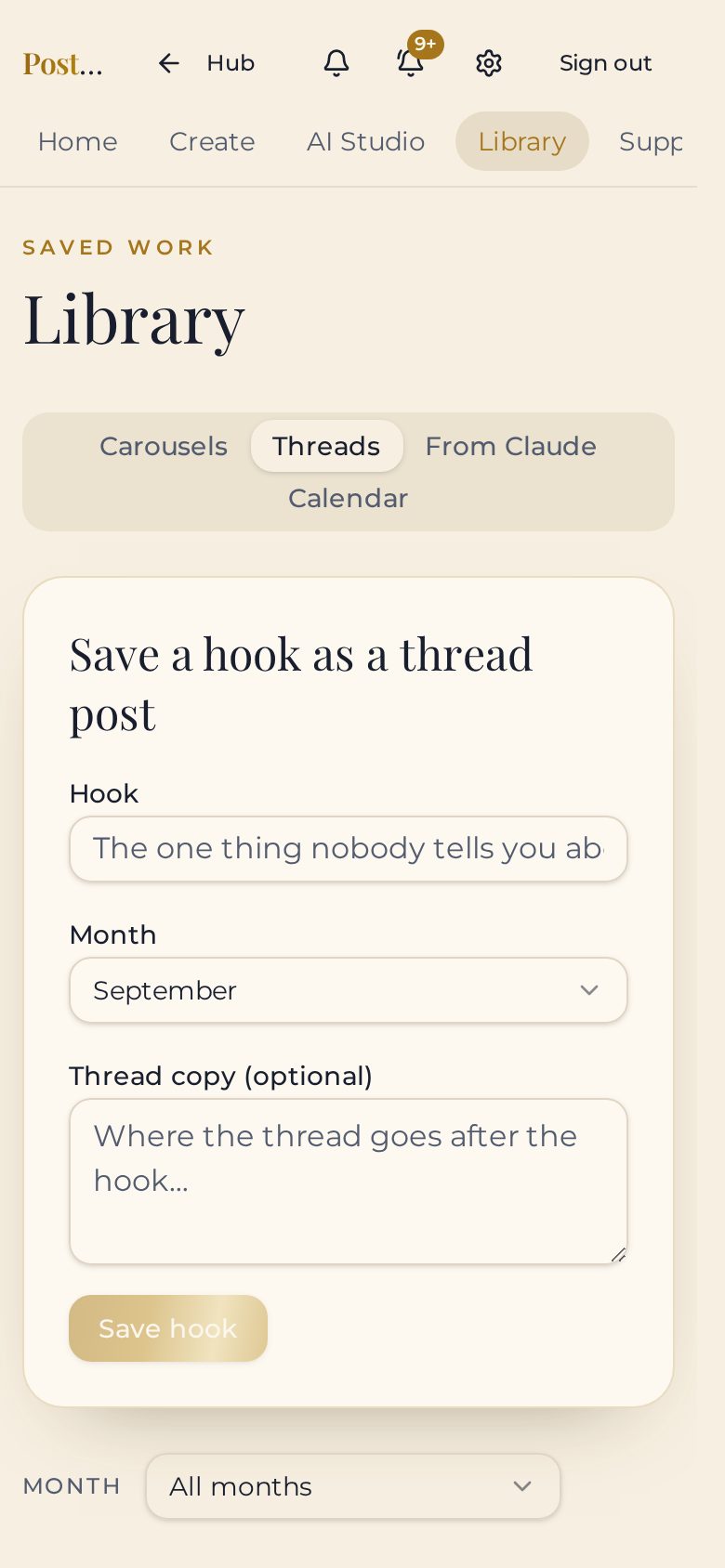
Threads tab
Park hooks as threads posts and organize them month by month.
AI studio & support — you're not doing this alone
Hook Generator (Pro)
Six scroll-stopping hook options per credit, tuned for business owners and creators. No more staring at a blinking cursor.
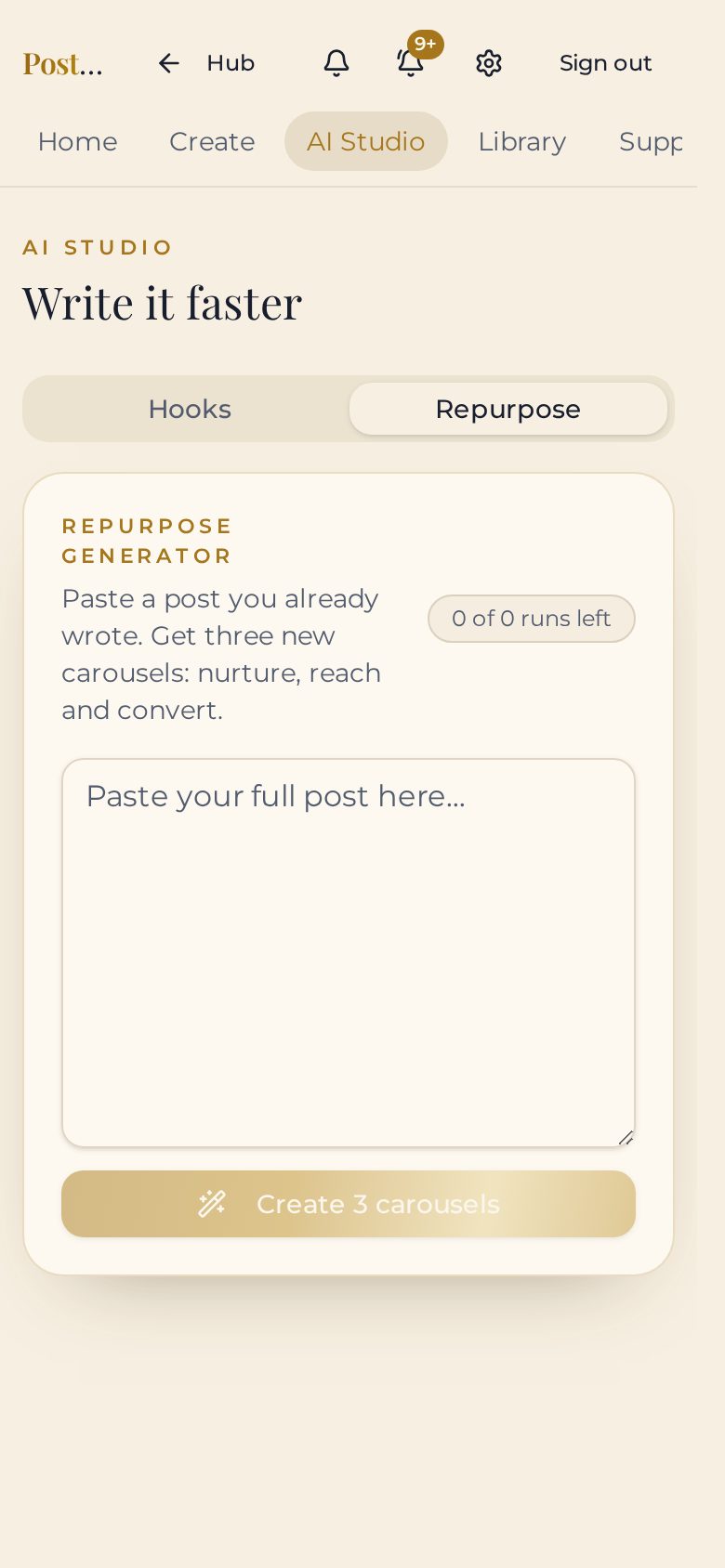
Repurpose Generator (Pro)
Turn one idea into three posts — nurture, reach and convert. One caption becomes a whole week of content.
Results that stay put
Hooks and repurposed posts stay on screen for the whole session, so a credit is never wasted.
Straight into the editor
Send any AI draft to the canvas and keep styling without retyping a word.
Direct support chat
Message Aly inside the app. One thread, always open, with replies in real time — directly from the founder.
Announcements & install
A notification bell you can clear, plus a home-screen install so it opens like an app.
New — publishing
Hit publish without leaving the editor*
Connect your own accounts once in Settings. From then on, a finished carousel goes straight to your feed — or onto a schedule — with no downloading, no camera roll, no second app. Set it during naptime, let it post while you're making dinner.
Your accounts, not mine
You authorize your own pages and profiles. Disconnect any of them whenever you like.
Publish or schedule
Post it now, or pick the date and time and let it go out without you.
Threads too
Send multi-part threads from your library, one post after another.
Publishing is included with Basic ($7/mo) and Pro ($17/mo).
*Direct publishing supports up to 10 slides per post because of social platform API limits. Larger carousels can still be exported and uploaded manually.
In their words
Video testimonials
Real members, unscripted. Tap play when you’re ready — nothing plays automatically, and every clip has a written caption below it.
“It replaced Canva for me — I make a carousel in minutes now.”
Brittany M
“I stopped putting off content because it finally takes minutes, not hours.”
Bianca S
“Paste the caption, pick the look, post it. That’s the whole workflow.”
Asia J
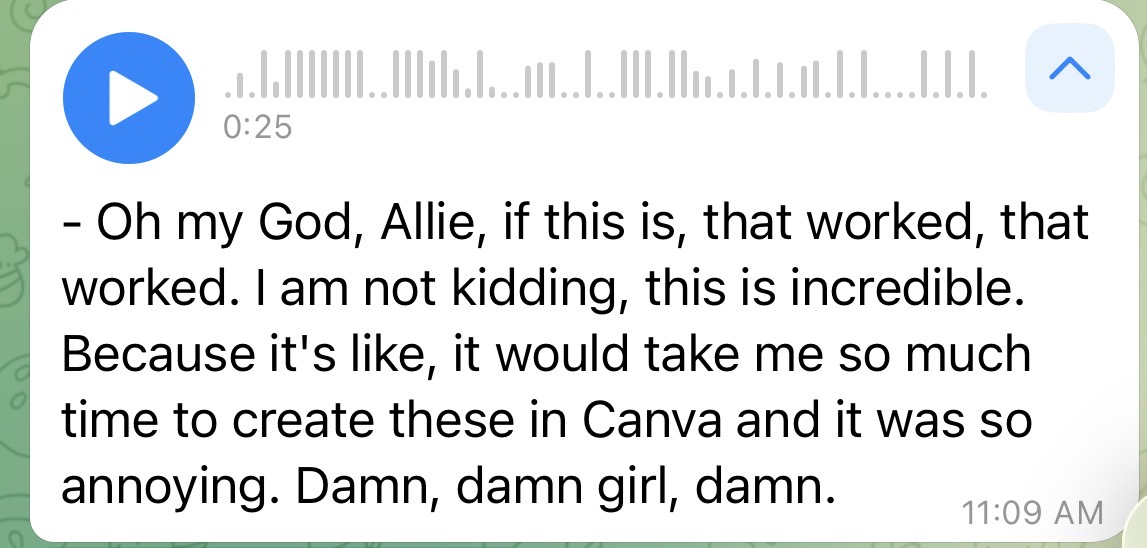
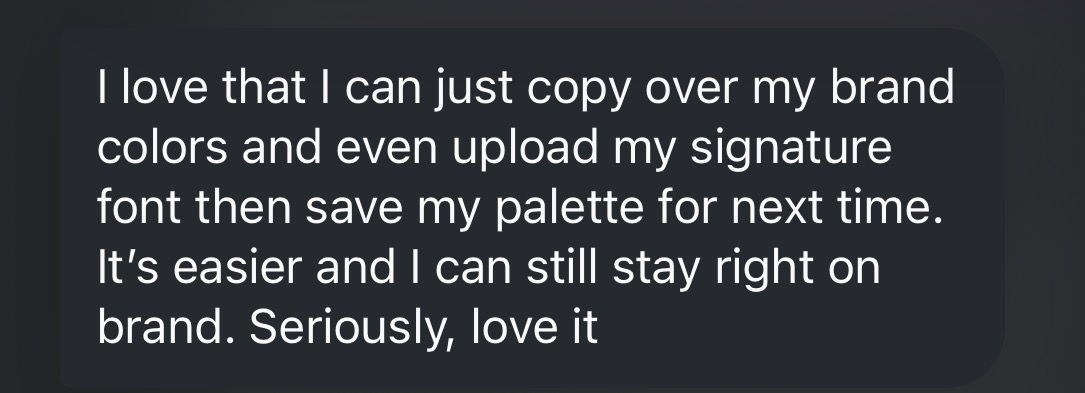
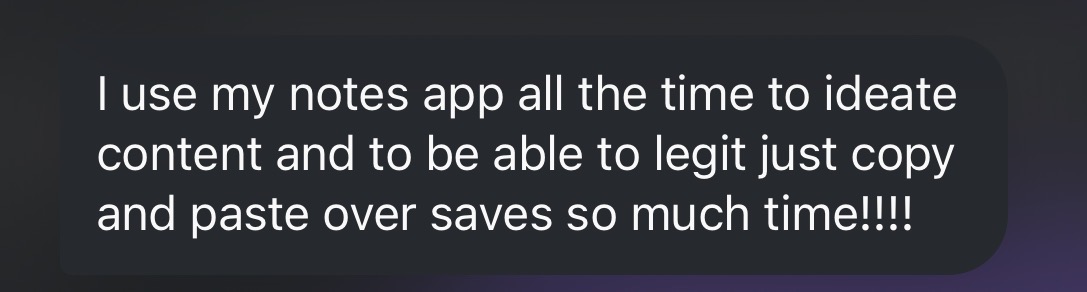
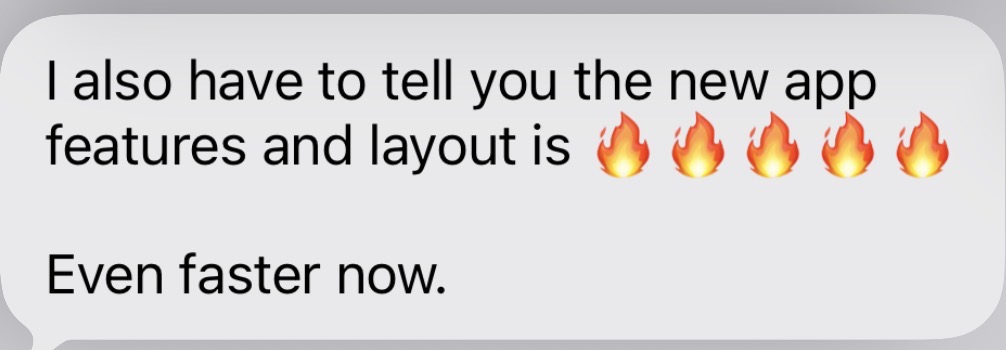
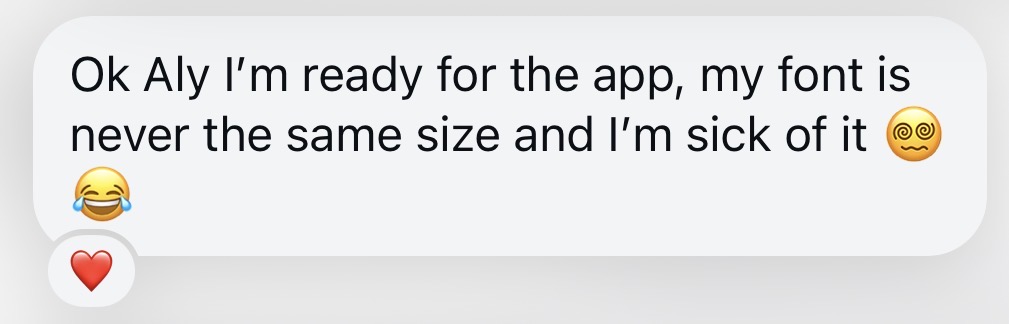
Real messages, real users
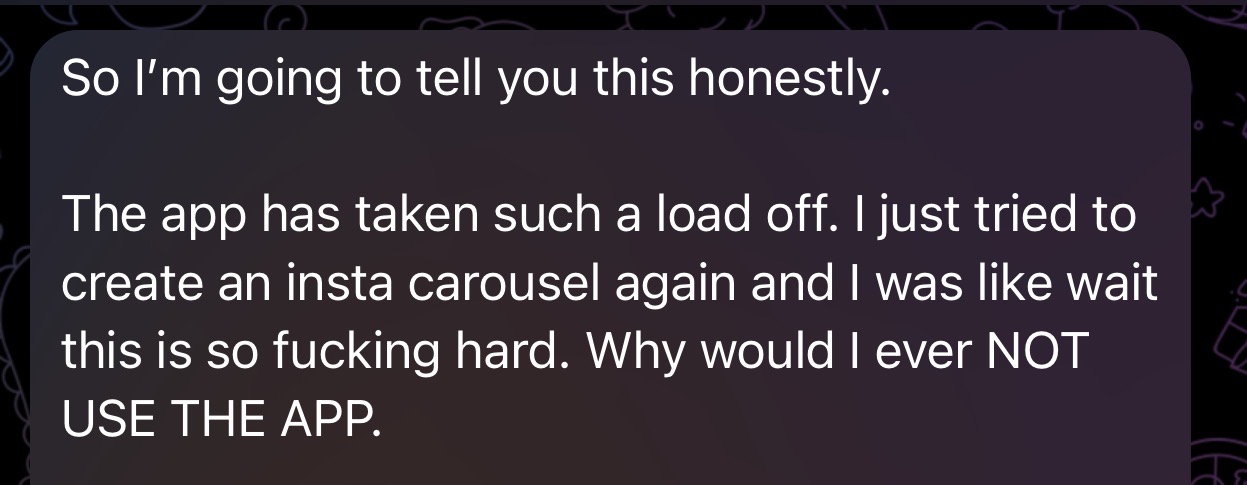
What they text me after their first carousel
- BM
- AJ
- BS
- Z
- A
- +45
“This is an amazing app that has replaced Canva for me. Saved so much time. I can produce so much more content — especially carousels and stories which have directly led to MORE eyes and more sales. So good.”
“So incredibly fast to use! It takes me less than 15 mins to write, edit, select images and upload these to my feed! BLOWN AWAY by how simple it is to use.”
“LOVE! So quick and easy to use, saves me hours.”
“Very easy to use and helps save time.”





Who built this
Made by Aly Carter, a mom founder who gets it
I'm a mom and entrepreneur who built her way into tech by accident.
For over 14 years I've run MaxExposure Business Solutions, a done for you marketing agency that's helped over 1,000 small businesses grow through SEO, websites, and social media. But no matter how many strategies I handed clients, I kept running into the same wall myself: content creation was taking way too long. I didn't have a design background. I didn't have hours to spend in Canva. I just had ideas that needed to get out into the world faster.
So I built Carousel Queen, an app that turns your ideas into ready to post carousels in minutes, no design skills required. I built it for myself first, because I needed it, and it turned out every busy founder I know needed it too.
Everything I do comes back to one belief: the process is the problem, not you. You already have the content, the ideas, the business. You just need less friction getting it out.
You get me directly in the app's support chat, or at aly.carter0908@gmail.com.
Weighing it up
Already using something else?
Honest comparisons, including where the other tool wins.
Membership
Two plans
Basic gives you the editor, brand kit, publishing, saved carousels, and Reel covers with separate copy-ready captions. Pro adds the calendar for carousels, Threads and Reels, plus both AI generators.
Try either plan free for 7 days. Every plan includes real human support from Aly.
$7/mo — less than a single freelance carousel batch, and cheaper than a month of Canva Pro plus three other tools. One subscription, one workflow, more time with your kids.
Basic
Carousels, Reel covers, captions, your calendar and publishing.
$7/mo
Less than one freelance carousel.
- Publishing to Instagram, Facebook, Threads, TikTok, LinkedIn, Pinterest, X and YouTube — included. Not a Pro upgrade.
- Unlimited carousels
- Content calendar and scheduling through the publisher
- Turn a voice note or video into a carousel
- Your complete brand kit — colors, fonts, logo, handle
- Smart slide breaks and highlighted text
- Position headlines and body copy independently, with separate background colors
- Solid color, full-photo and framed screenshot slides
- Instagram, Story, Facebook, and Pinterest exports
- Create Reel covers and save the caption separately — ready to copy when you post
- Save your carousels and reload them anytime
- Support chat with Aly — direct line, in the app
- 7-day free trial, then $7/month
Pro
Most popularClaude, AI writing tools and everything in Basic.
$17/mo
Your writing assistant, built in.
- Everything in Basic — plus the tools that write for you.
- Claude chat in the editor to change hooks or rewrite posts
- Hook generator — 3 credits, 6 hooks per credit
- Repurpose generator — 3 credits, 3 posts per credit
- AI captions from your carousel — 6 per day
- Reel scripts from any saved carousel
- The full ready-made layout gallery
- Connect your own Claude account
- 7-day money-back guarantee
Cancel in one click anytime. 7-day money-back guarantee.
Payments are processed by Stripe with Apple Pay support — card details never touch our servers. Cancel in one click from your settings. 7-day money-back guarantee.
Before you buy
Questions people actually ask
Is there a free trial?
Yes — try the full editor in our free demo with no account or card. When you're ready, Basic is $7/month and Pro is $17/month, and you can cancel anytime.
Do I need design skills?
No. There's no blank canvas. You set your colors, fonts and logo once when you sign in, then every carousel comes out on-brand from the caption you paste.
How do the AI run limits work?
Both AI generators are on Pro ($17/mo): the hook generator gives you 3 credits at 6 hooks per credit, and the repurpose generator gives you 3 credits at 3 posts per credit. Results stay on screen for your whole session so a credit is never wasted. Limits reset on their own — nothing to buy on top.
Can I post straight to Instagram from the app?
Yes. Publishing is included with both Basic and Pro. Connect your own Instagram, Facebook, Threads, TikTok, LinkedIn, Pinterest, X or YouTube in Settings, then publish or schedule a finished carousel right from the editor.
Can I run more than one brand?
Yes. Build a brand kit for each business or offer, mark one as your default and switch between them whenever you create.
Can I cancel?
Yes, in one click from your settings. No email, no cancellation call. You keep access until the end of the period you paid for.
How long does one carousel actually take?
About four minutes from pasted caption to downloaded zip. Most people say the same post took them 45 minutes or more in Canva.
Which sizes can I export?
Instagram square, portrait and Story, plus Facebook and Pinterest. Pick as many as you need — download the set as one zip on desktop, or save straight to your camera roll on your phone.
Who is Carousel Queen not for?
Agencies and content teams. There are no seats, collaboration tools, or client workspaces. It's built for solo business owners and creators managing their own content.
Ready when you are
Ten minutes. One carousel. Done.
Join 50+ business owners already posting with it. Paste, pick, post — then get back to the rest of your day.
Payments are processed by Stripe with Apple Pay support — card details never touch our servers. Cancel in one click from your settings. 7-day money-back guarantee.